
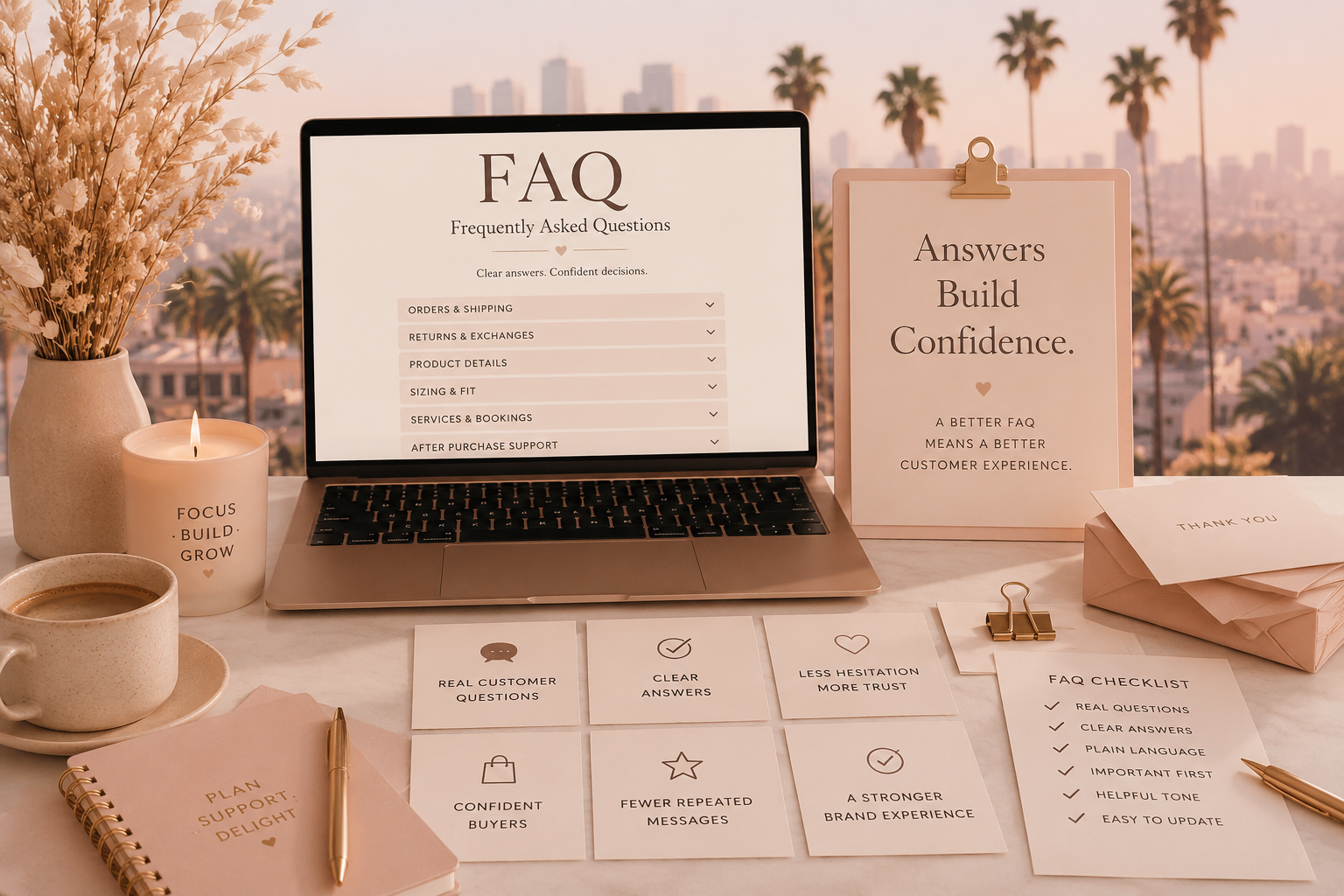
A strong FAQ page does more than answer basic questions. It reduces buyer hesitation, improves customer confidence, and helps small brands look more professional online.
An FAQ page is one of the most underestimated trust-building tools on a small business website.
Most brands treat it like a housekeeping page. A place to park a few leftover details. A polite little corner of the website where shipping, returns, sizing, booking, and contact information can sit quietly until someone goes looking for it.
That is the wrong way to think about it.
A strong FAQ page is not filler. It is not just a convenience. It is a sales support page, a customer service page, and a trust page all at once.
When customers have questions, they are usually standing at the edge of a decision. They may like the product. They may be interested in the service. They may be close to buying, booking, or reaching out. But something is still making them pause.
Your FAQ page should help them move from hesitation to confidence.
An FAQ Page Should Reduce Uncertainty
Customers do not always hesitate because they dislike the offer. Often, they hesitate because they do not fully understand it yet.
They want to know how long shipping takes. They want to know what happens after checkout. They want to know whether returns are accepted. They want to know what is included in a service. They want to know whether a product is right for their needs. They want to know how quickly someone will respond if there is a problem.
These are not minor details. These are confidence questions.
A good FAQ page makes the purchase feel safer by answering those questions before the customer has to send a message. It gives the customer enough information to feel guided, not abandoned.
That is especially important for small brands. A large company may already have name recognition working in its favor. A smaller business has to create confidence more intentionally. Clear answers are one of the easiest ways to do that.
Build the FAQ From Real Customer Questions
The best FAQ pages are not built from guesses. They are built from real questions customers already ask.
Look through emails, direct messages, comments, contact forms, reviews, and sales conversations. Pay attention to the questions that show up more than once. Those repeated questions are telling you where customers need more clarity.
If people keep asking when orders ship, that belongs in the FAQ. If people keep asking what is included in a package, that belongs in the FAQ. If people keep asking whether something is final sale, that belongs in the FAQ. If people keep asking how to prepare for a service, that belongs in the FAQ.
A strong FAQ page should feel like it was created from the customer’s point of view, not from the business owner’s assumptions.
The customer is already showing you what they need to know. The FAQ is where those answers become easier to find.
Group Questions by Topic
A helpful FAQ page should be easy to scan. Customers should not have to dig through a long, messy list to find the answer they need.
Group questions by topic so the page feels organized.
- Orders and shipping
- Returns and exchanges
- Product details
- Sizing, fit, or usage
- Service process
- Booking and consultations
- Payment and policies
- After-purchase support
The exact sections will depend on the business. A product-based shop will need different categories than a consultant, coach, creative service provider, or local brand. The point is to organize the page around how customers think.
When the FAQ is structured clearly, the business feels more professional before the customer ever reads the answer.
Answer Directly First
A common FAQ mistake is making customers work too hard for the answer.
The question asks, “How long does shipping take?” and the answer starts with a long explanation about how each order is packed with care. That may be true, but it is not the answer the customer came for.
Give the direct answer first. Then add helpful context if needed.
For example, instead of writing:
“We take great pride in preparing every order carefully and appreciate your patience while we process each purchase.”
Write:
“Most orders ship within three to five business days. You will receive tracking as soon as your order is on the way.”
That answer is more useful because it gives the customer a timeline. It still feels professional, but it does not hide the information behind softer language.
Clear does not mean cold. It means the customer does not have to decode the answer.
Use Plain Language
An FAQ page should sound like a helpful person wrote it.
This is not the place for stiff policy language, complicated wording, or vague phrases that create more questions. Customers should be able to understand the answer quickly.
Instead of “refund eligibility is contingent upon product condition and return window compliance,” say, “Unused items can be returned within seven days of delivery.”
Instead of “processing times may vary based on fulfillment volume,” say, “During busy periods, orders may take an extra two business days to ship.”
Instead of “please contact support for further assistance,” say, “Send us a message with your order number, and we will help you with the next step.”
Plain language makes the brand feel more trustworthy because it feels more honest. Customers are more comfortable buying when the business explains things clearly.
Make Policies Feel Helpful, Not Hostile
Some FAQ pages sound like they were written after one bad customer experience and left there to warn everyone else.
The tone becomes defensive. The answers feel irritated. The customer is treated like a problem before they have done anything wrong.
That can damage trust.
Policies should protect the business, but they should also guide the customer. A refund policy can be firm and still sound calm. A shipping policy can set limits and still feel helpful. A cancellation rule can be clear without sounding annoyed.
For example, instead of writing, “We are not responsible for lost packages,” try:
“Once your order is with the carrier, delivery timing may vary. If tracking has not updated after five business days, contact us with your order number and we will help you review the next step.”
The second version still sets a boundary. It also gives the customer a path forward.
Put the Most Important Questions Near the Top
Not every FAQ question deserves the same placement.
The questions that most directly affect trust should be easy to find. Shipping timelines, returns, response times, service inclusions, booking steps, and what happens after purchase should not be buried at the bottom of the page.
Think about the customer’s buying decision. What questions might stop them from moving forward? What information would make them feel safer? What do they need to understand before they pay?
Those answers should appear early.
A good FAQ page is not just an information dump. It is a guided confidence path.
Use the FAQ to Support Product and Service Pages
The FAQ page should not be the only place important answers live.
If a question matters at the point of purchase, the answer should also appear near the product, service, inquiry form, booking link, or checkout step where the customer needs it.
For example, if customers often ask whether a product is final sale, mention that on the product page and explain it more fully in the FAQ. If customers ask what is included in a service package, answer that on the service page and expand on it in the FAQ. If customers ask how long it takes to receive a reply, include that on the contact page and reinforce it in the FAQ.
The FAQ should support the buying experience, not hide information away from it.
Add Questions That Prevent Future Problems
A strong FAQ page does not only answer what customers already ask. It also answers what they should know before buying.
This is especially useful for products or services where expectations matter.
If a product requires care instructions, explain them. If a service does not include implementation, say so. If custom work has approval stages, outline them. If delivery times vary during holidays, mention it. If digital products cannot be returned after download, make that clear before purchase.
These answers help prevent misunderstandings later.
Good customer service is not only how you respond after confusion happens. It is also how well you prevent avoidable confusion in the first place.
Include Response-Time Expectations
Many FAQ pages forget to answer one of the most important trust questions: when will someone reply?
Customers feel more comfortable reaching out when they know what to expect. A simple response-time answer can reduce anxiety immediately.
For example:
“We reply to customer messages within one business day. Messages sent over the weekend are answered on the next business day.”
That small sentence creates structure. It tells customers the business is present without making the owner feel pressured to respond every minute of the day.
For small brands, that balance matters. Customers need clarity. Business owners need sustainable boundaries.
Make the Page Easy to Update
An FAQ page should not be a one-time project.
Customer questions change as the business grows. New products create new questions. New services create new expectations. New policies need clearer explanations. Seasonal changes, shipping delays, inventory shifts, and new offers may all affect what customers need to know.
Review the FAQ regularly.
Ask yourself what customers are asking now. Look for repeated messages. Look for confusion in reviews. Look for questions that appear in comments or inquiry forms. Then update the page so it keeps reflecting the actual customer experience.
A current FAQ page makes the brand feel alive and attentive. An outdated one can create more confusion than it solves.
Do Not Overload the Page
An FAQ page should be complete enough to help, but not so crowded that it overwhelms.
If the page becomes too long, organize it better. Use categories. Use short answers. Link to deeper policy pages when needed. Keep the most common questions visible and easy to scan.
Customers do not need every possible edge case at once. They need the answers that help them understand the offer, trust the process, and know what happens next.
The goal is clarity, not clutter.
A Better FAQ Page Saves Time
A good FAQ page helps customers, but it also helps the business owner.
Every clear answer on the page can reduce repetitive messages. Every visible policy can prevent a future misunderstanding. Every clear timeline can reduce unnecessary follow-ups. Every direct explanation can help customers self-select before reaching out.
This does not mean customers will never ask questions. They will, and they should still feel welcome to do so. But a strong FAQ page reduces the avoidable questions that drain time without deepening the customer relationship.
For a small business without a support team, that matters.
Your FAQ Page Is Part of Your Brand
An FAQ page may seem practical, but practical pages are often where trust is built.
Customers notice whether the business makes information easy to find. They notice whether answers are clear. They notice whether policies feel fair. They notice whether the tone feels calm and human. They notice whether the brand seems organized.
That is why an FAQ page should receive the same care as the homepage, product pages, and service pages.
It may not be the flashiest page on the website, but it can be one of the most reassuring.
When done well, an FAQ page tells customers, “We understand what you need to know, and we have made it easy for you to feel confident.”
That is not just customer service.
That is brand trust.
Leave a Reply